


Why would I need an in-browser editor?
Code editing on a go, remote tech interviews and the rising popularity of moving most tools to be browser runnable (like new AutoCad or Office) raised for me an obvious thought: why, is a good in-browser code editor still missing?
Or maybe it already exists?
I’m not a fan of a huge IDE’s running in browsers (like Cloud9). I totally agree with this article praising the idea of Visual Studio Code like editor in the browser. Visual Studio Code architecture seems to be a good starting point since it loads needed functionalities on the fly and it’s already web technologies based. So what’s the current state of lightweight web-only editing? Those are the tools that I have found to work properly:
CodeSandbox – CodePen clone with VSC UI.
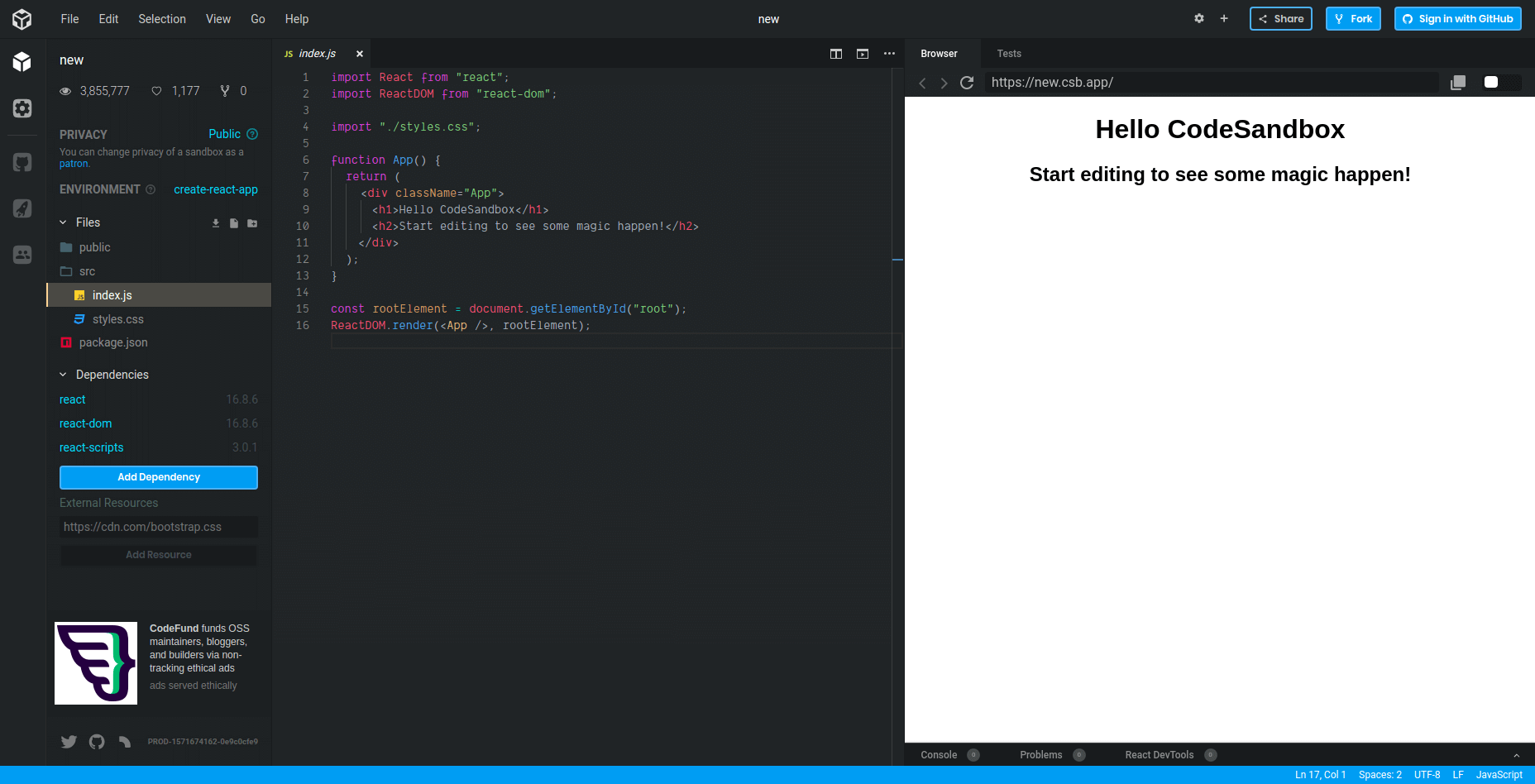
It’s the first tool of that kind that I’ve heard of and used instead of CodePen. You are able to create a vanilla js project or choose from frameworks/libraries (React, Angular, Vue) boilerplate. Private projects are in paid “patron” plan (from 5$/month for now).
Stackblitz – Front & Back-End editor.
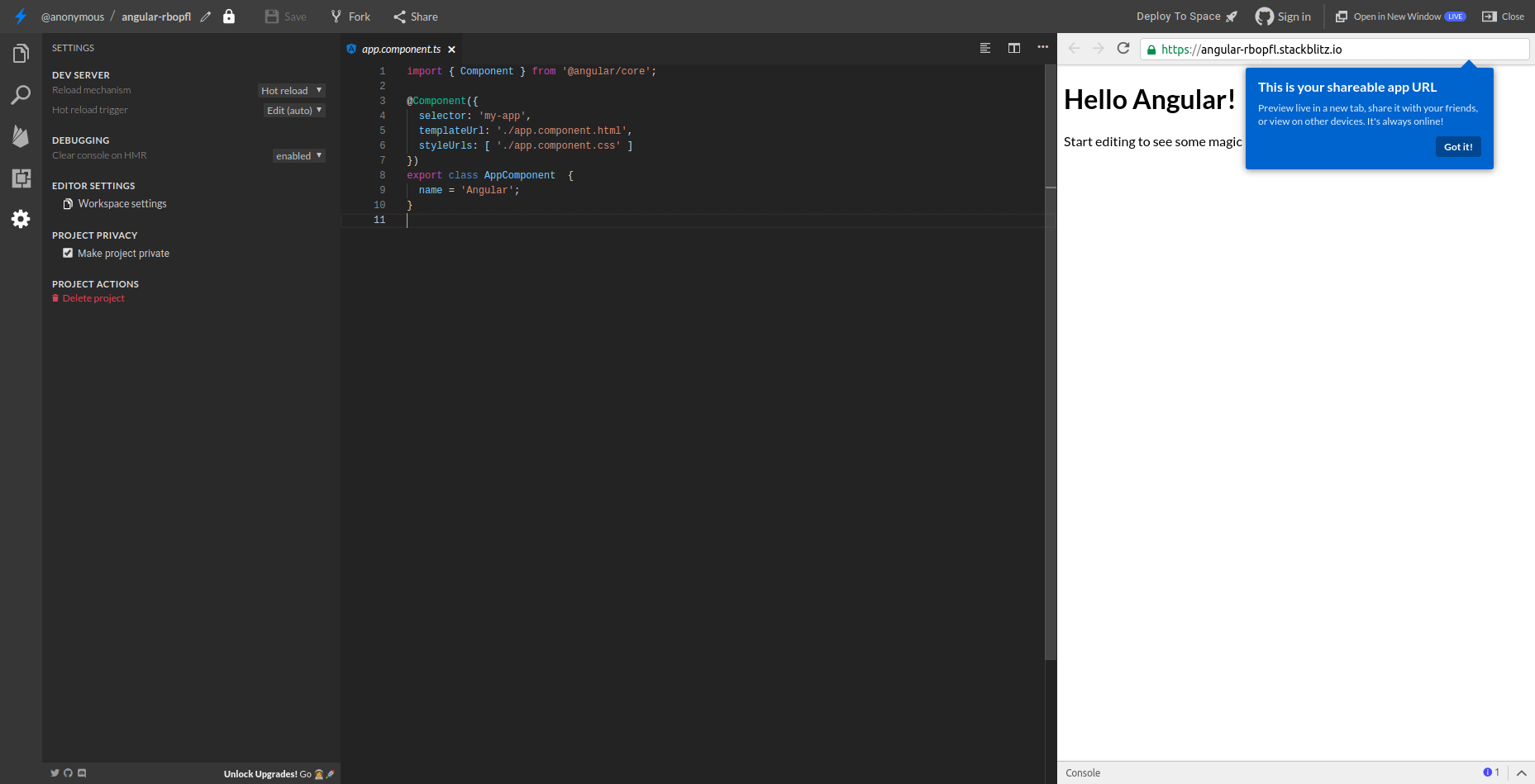
Stackblitz is more advanced than CodeSandbox. It is capable of running real-world demo app (medium UI and API clone) both front and backend code at the same time. The weird thing is that I couldn’t find any way to start a project from scratch but instead, I was forced to use one of the frameworks presets. It’s being sponsored by and used in Google Cloud so it’s future looks promising. Private projects (limited amount) are free.
Eclipse Theia IDE. Best perspectives and almost full VSCode feeling.
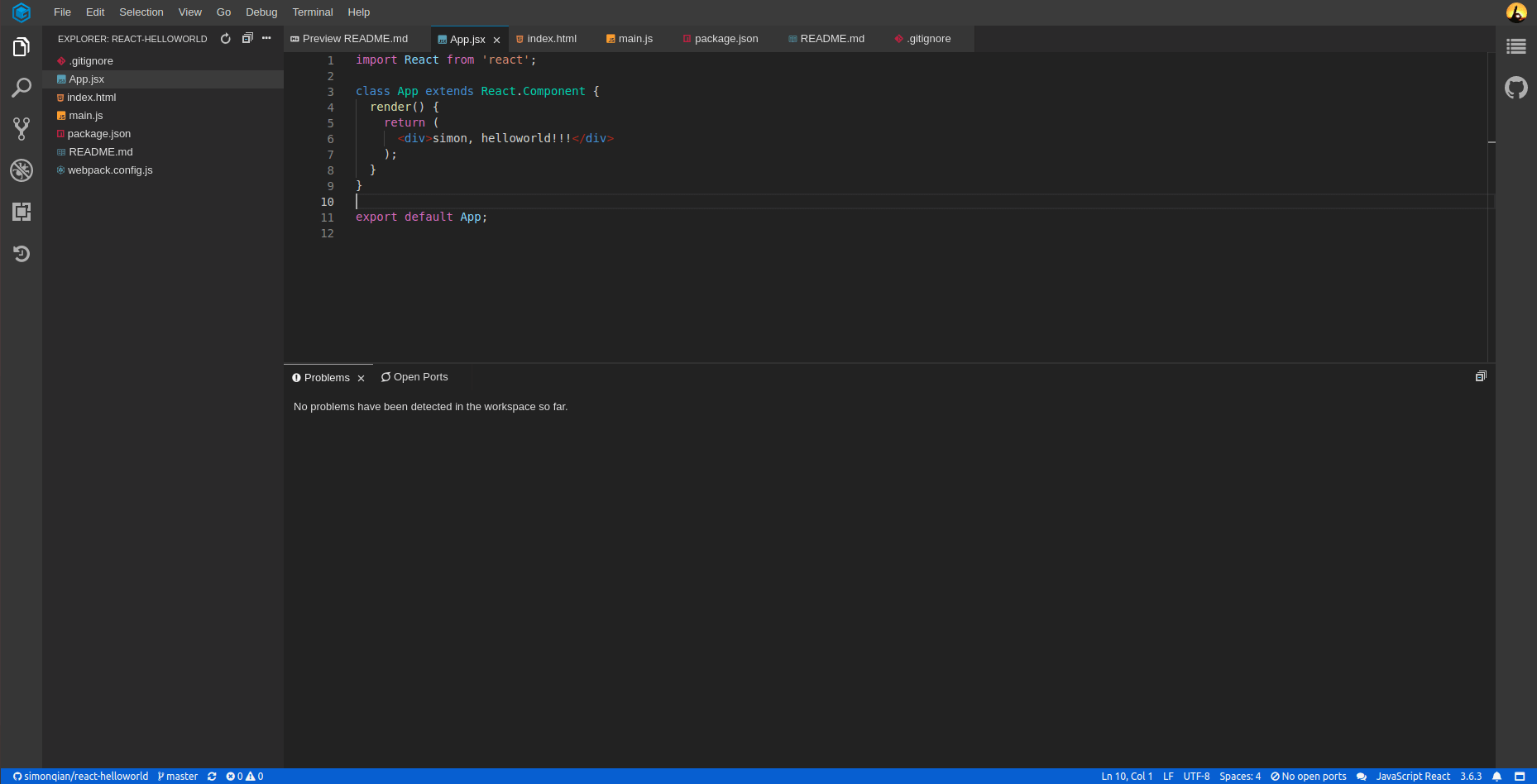
The newest and most interesting solution that I have found is Eclipse Theia IDE. Also based on VS Code architecture with improved modularity and even in-beta VS Code extension support. It almost looks like a full Visual Studio Code and it’s written to be able to work in cloud and desktop from the scratch. It’s also non-vendor specific (so not a single company sits behind it but Google, IBM, ARM, RedHat and more…).
Ok but what about live collaboration?
If it’s about sharing workspace there is absolutely astonishing and working just after plugin installation (both on Linux and Windows) Live share. Unfortunately, it still doesn’t work in Eclipse Theia IDE. Also, built-in sharing full workspace in Theia IDE is not secure as it allows to commit changes on behalf of sharing user. For this use case, the standalone VS Code version is still the best choice. But if you do not need to live collaborative coding… Theia IDE should be more than enough.
Straight from your browser, coding on any device with automatic synchronization to your git-hub? Checked. VSCode extensions support? Mostly checked.
So for the in-browser code editor…
is there anything more you would need?
Playing at winzirph right now! The website is easy to use, even for newbies like me. Hopefully swerte ako today!
Saw 7700bet777 advertised somewhere. Gave it a quick look. Pretty much what you’d expect. Worth a shot if you’re bored. Head over to 7700bet777.
Yo, getting into Jiliok Casino is a breeze! The login process is stupid simple. Just remember your credentials and you’re golden. They’ve got a decent selection of Jili games so if you’re a fan, it’s worth a peek. Log in here: jiliokcasinologin
Just downloaded the 535betapp, and it’s surprisingly good! Works smoothly on my phone. A must-have if you’re always on the go. Download from: 535betapp
Crikey! Jumped onto tobet88vn for a few rounds. Fair dinkum, not bad. Loads of variety in the game offerings. The mobile experience could be smoother, though. Still, worth checking out: tobet88vn
Sweet as! Played on 7789betz and found it a pretty standard affair. Not too flashy, but functional. The bonuses are nothing special, but they’re there. Give it a try: 7789betz
Pub88bet, huh? Never heard of it before, but I gave it a try. The odds are pretty decent. Could be your next go-to spot pub88bet
Downloaded the soxo66app the other day. It’s alright, easy to use when I’m on the go. Got a few minor wins, so can’t complain soxo66app
Checked out umbet8. Not bad, not amazing. It’s got its pros and cons, like everything else. Try it and see if it suits your style umbet8
It’s fascinating how platforms like bet 100 vip use data – even account verification rates (94.7%!) – to optimize user experience. The Philippines’ regulated framework is key, and seeing GCash as a preferred payment method makes sense given local trends!
Just found this slick new spot for card games in SEA! The app loads fast and the VIP perks look legit. Check out Cardtime Casino online casino if you want secure play without the lag on mobile.